Email security for MSPs: 117 products, what separates them, and what to ask
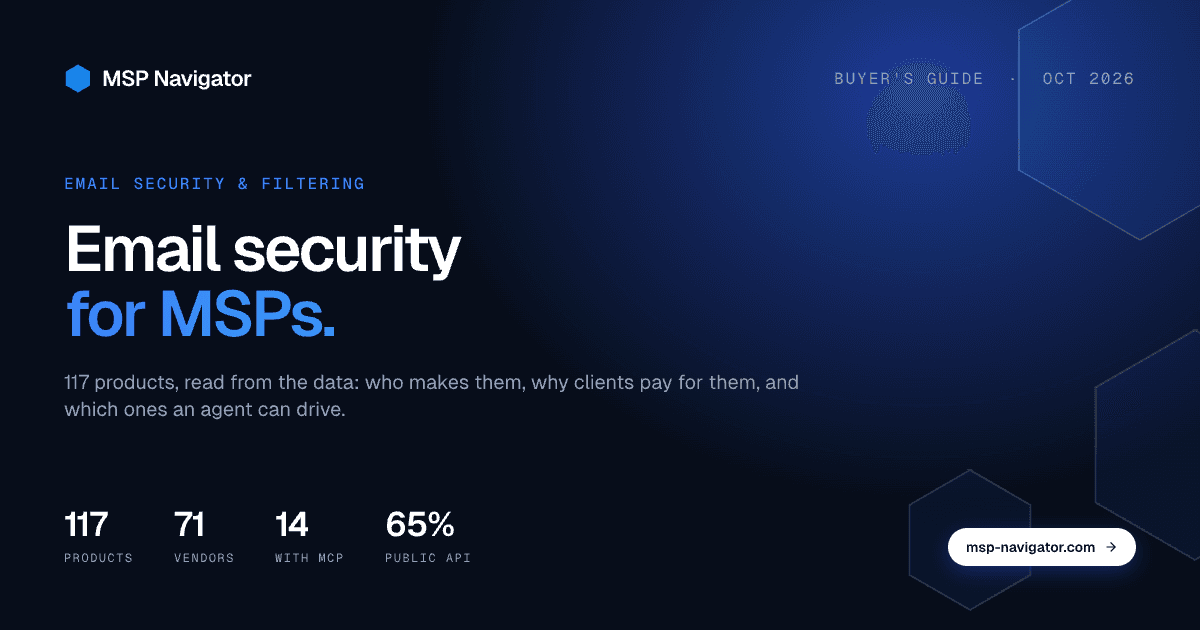
Email is still the front door for most attacks on small and mid-sized businesses, and it is the one security product almost every MSP sells to every client. That makes Email Security & Filtering the most crowded shelf in the catalog after SOC services and VoIP: 117 products from 71 vendors as of October 2026. This is a guide to that shelf, built from what the catalog knows about each product rather than from vendor decks.
Key facts, October 2026
- 117 email security products from 71 vendors are listed; all 117 have been through the capability audit.
- 76 expose a public API, 14 have a verified MCP server, 5 a CLI; IRONSCALES and DittoCast have all three.
- 115 of 117 are classified as products clients pay for: 57 resold, 58 run by the MSP and paid by the client. Email security is a sell-through category.
- Only 9 products list a verified ConnectWise PSA integration, 3 Halo PSA, 2 Autotask.
- 60 products carry an AI feature flag.
What the category covers
Email Security & Filtering holds the tools that sit between the internet and a client's mailboxes. The core job is the same everywhere: stop phishing, malware and spam before a user sees them. Around that core, products spread out in four directions.
- Inbound filtering and threat detection. The classic secure email gateway, and increasingly the API-based products that plug straight into Microsoft 365 or Google Workspace without changing MX records.
- Outbound control. Data leaving by email: encryption, outbound filtering and the features that overlap with data loss prevention, such as stopping a spreadsheet of client records going to a personal address.
- Domain protection. DMARC, DKIM and SPF management, which is a small product on its own but shows up in this category more often than you would expect.
- Awareness and response. Phishing simulation, report-a-phish buttons and the remediation tooling that pulls a bad message out of fifty inboxes after it landed. The simulation and training side has its own shelf under Security Awareness & Training.
Backup and archiving for mailboxes live in Cloud Backup, not here, even though many email security vendors bundle them.
Sell to, or sell through
Every product in the catalog carries a verdict on how an MSP relates to it: a tool you run your own business with, something your clients pay for, or both. Email security is the clearest sell-through category we have.
| How MSPs relate to it | Products |
|---|---|
| Clients pay for it, resold or bundled | 57 |
| Both: you run the console, the client pays for the seats | 58 |
| Internal tooling only | 2 |
In practice that means pricing is per mailbox, the vendor expects you to hold the multi-tenant console, and the margin conversation is about how you package it: a line item on the invoice, or folded into a security bundle at a flat rate. The two "internal only" products are MSP-facing tooling, not filters. The resell filter on the products page shows the client-facing set.
The landscape in numbers
- 117 products, 71 vendors. Most vendors list one or two products. Mailprotector lists 7, Barracuda 6, Securence 5, Inky, Hornetsecurity and Topsec 4 each, Mimecast, Egress, TitanHQ and BLOKWORX 3 each.
- Mostly American, with a real European contingent. 72 products come from US vendors, 10 from the UK, 4 each from Germany and Ireland, 3 from Canada. If data residency matters to a client, the European options exist and are not obscure.
- Smaller vendors than you might think. 54 products come from vendors with 50 people or fewer, 27 from mid-sized vendors, 22 from vendors over a thousand staff. The category is not owned by the giants.
- AI is the most common claim. 60 of 117 products carry an AI feature flag. That number says more about marketing in 2026 than about detection quality; the audit checks that the feature is documented, not that it works better.
Agent-readiness: can your automation drive it?
Every one of the 117 products has been through the capability audit, which checks official documentation for a public API, a command-line interface and a Model Context Protocol server, and links the evidence on the product page.
| Capability | Products | Share |
|---|---|---|
| Public API | 76 | 65% |
| MCP server | 14 | 12% |
| CLI | 5 | 4% |
| All three | 2 | 2% |
An API is now the norm: two in three products expose one, which is what you need for onboarding automation, PSA sync and reporting. MCP is early. The 14 products with an MCP server cluster in two groups: the domain-protection tools, where Topsec, Sound Cybersecurity, Kevlarr and PowerDMARC all expose DMARC management to agents, and a handful of filters, including Proofpoint, FortiMail, IRONSCALES, Securence, SonicWall's anti-spam service, Mesh, BLOKWORX and modusCloud. IRONSCALES and DittoCast are the two with API, CLI and MCP all documented.
If your help desk uses agents, "release the quarantined message for this user" or "which tenants still have no DMARC policy" are exactly the questions an agent can answer through MCP without someone building glue code first. The developers page explains how an agent connects to the catalog itself.
PSA integrations are thinner than the category suggests
Only 9 products list a verified ConnectWise PSA integration, 3 Halo PSA and 2 Autotask. Compare that with RMM, where about a fifth of products integrate with each PSA. Email security vendors integrate with the mail platform, not with your service desk. Ticketing on quarantine events and per-tenant billing sync is usually something you build, or something your RMM or security platform aggregates on their behalf. Ask about it explicitly.
What actually separates products
Four things decide whether a product fits your clients. The detection rate on the vendor's homepage is not one of them.
- Deployment model. MX-record gateway or API integration with Microsoft 365. API products deploy in minutes and see internal mail, gateways see everything before it arrives and work with any mail platform. Many clients end up with one of each.
- Multi-tenancy that was designed, not added. Per-tenant policies, per-tenant reporting, role-based access for your technicians, and a usage export you can bill from. Vendors built for MSPs, such as Inky, Mailprotector, Hornetsecurity and TitanHQ, were designed this way; enterprise products sometimes bolt it on.
- Remediation after delivery. Ask what happens when something gets through: how fast can you remove it from every inbox, and does the end user's report button feed that process.
- What happens to outbound mail. Encryption, outbound DLP and continuity when Microsoft 365 is down are the features that turn a filter into a security bundle you can charge more for.
Questions to ask in the demo
- Show me the multi-tenant console as one of my technicians would see it, with two clients open.
- How do I pull seat counts per tenant into my billing each month, and is that an API or a CSV?
- A user reports a phish. Walk me through the next five minutes, including pulling it from other inboxes.
- Which of your features are documented in your public API, and is there an MCP server or a plan for one?
- What is the end-user experience on a false positive: quarantine digest, self-release, or a ticket to us?
- If the client also keeps Microsoft Defender for Office 365, what do you add and what do you duplicate?
How to use the catalog for this
The category page lists all 117 products with their flags. Two filters do most of the work: the capability filter for products with an MCP server or public API, and the use-or-resell filter, which for this category mostly separates the client-facing filters from MSP tooling. Each product page links to the evidence behind its flags, and the vendor page shows what else that vendor ships, which matters when you are consolidating. If a product you use is missing, paste its URL and the system will classify and add it.
Frequently asked questions
Do MSPs need a third-party email filter when clients already have Microsoft 365?
Most sell one anyway. Defender for Office 365 covers a lot at the higher licence tiers, but multi-tenant management, consistent policy across clients on different licences, outbound controls and faster remediation are the usual reasons an MSP standardises on one filter for everyone.
What is the difference between a gateway and an API-based email security product?
A gateway changes the client's MX records and inspects mail before it reaches the mail platform. An API product connects to Microsoft 365 or Google Workspace and inspects mail inside the mailbox, including internal mail. API products deploy faster; gateways work with any mail platform and stop mail before delivery.
How many email security products have an MCP server?
Fourteen of 117 in October 2026, verified against documentation. Most are DMARC management tools; IRONSCALES, Proofpoint, FortiMail and Securence are among the filters.
Is email security a resell product or an internal tool for MSPs?
Resell. Of 117 products, 115 are classified as something clients pay for, either resold directly or bundled into a managed service.
Which email security vendors are built for MSPs specifically?
Mailprotector, Inky, Hornetsecurity, TitanHQ, BLOKWORX, Securence and Topsec all position for MSPs with multi-tenant consoles and per-mailbox pricing. The catalog's vendor pages show their full product lists and integrations.
Numbers are from the MSP Navigator catalog on 11 October 2026: 117 published products in Email Security & Filtering, all through the capability audit. Capability flags are verified against vendor documentation and linked on each product page. The use-or-resell verdict is produced by a classifier reading each product's description and reviewed by hand in samples. When the numbers change, this page is refreshed, not rewritten. Related guides: RMM platforms for MSPs, Data loss prevention for MSPs.